Mom IPTV – The #1 Best IPTV Subscription Provider
Mom IPTV – The #1 Best IPTV Subscription Provider

IPTV Guide
IPTV Guide – Easy Setup & Installation for All Devices
In today’s digital world, IPTV (Internet Protocol Television) has transformed the way we watch content, offering flexibility, convenience, and endless entertainment options. This IPTV Guide by Mom IPTV is designed to help you with a smooth and fast IPTV setup guide, using popular apps like IPTV Smarters, IBO Player, Bob Player, XCIPTV, and Tivimate. Follow our step-by-step IPTV installation process and start streaming your favorite live channels, movies, and series in just minutes—no technical skills required.
Get started with ease! This IPTV Guide shows you how to install IPTV on your preferred device in under two minutes—quick, simple, and beginner-friendly. Whether you’re using a Smart TV, Firestick, Android, iOS, or PC, our tutorials ensure a smooth setup experience. If your device or app isn’t listed, simply contact our support team and we’ll provide personalized instructions tailored to your setup.
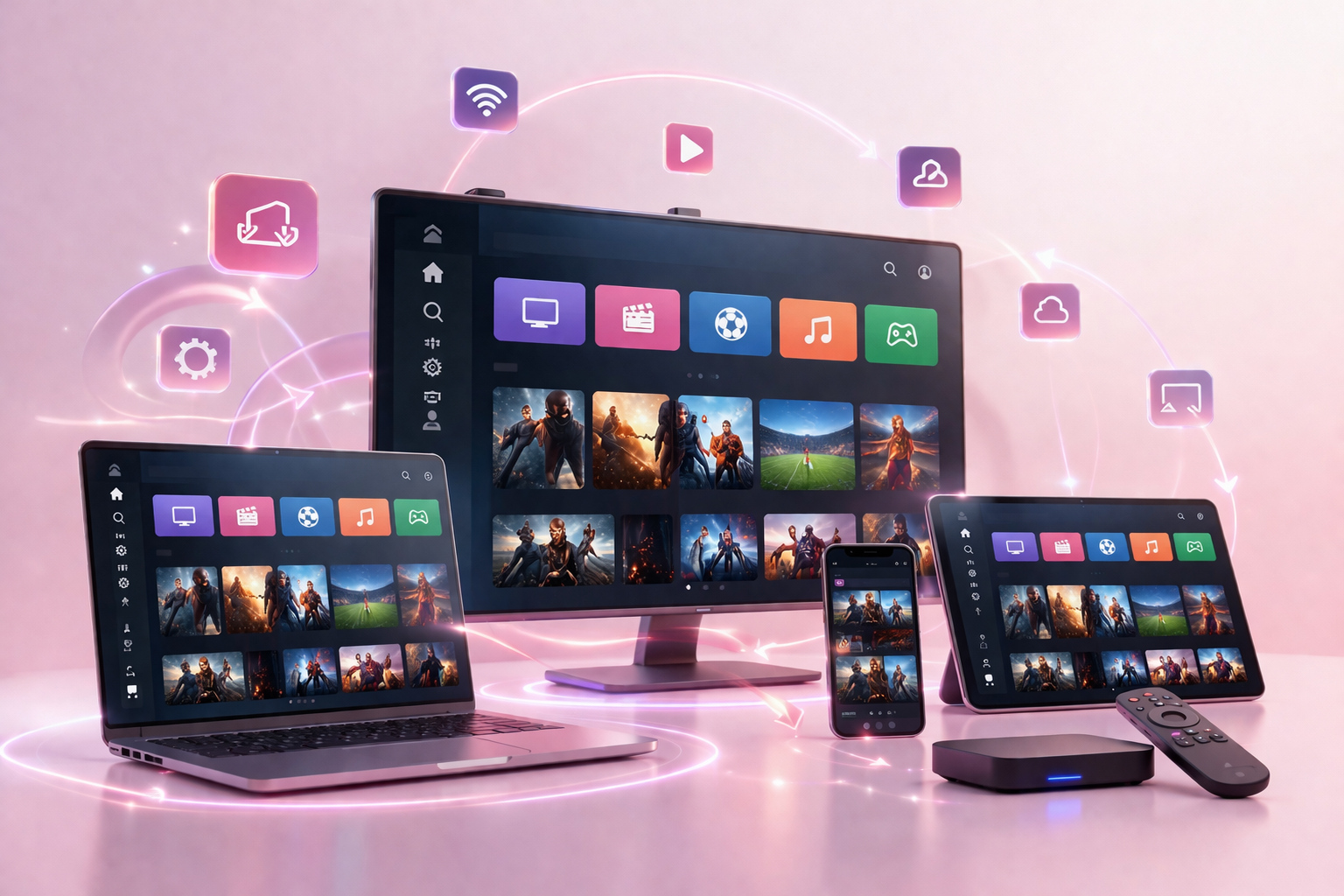
IPTV Guide – How to Install IPTV on All Devices
Samsung and LG Smart TV
- 1. Search for and download the Bob Player application.
- 2. Once downloaded, open the app to find your device’s MAC address and device key.
- 3. Send the MAC address and device key to us via email, WhatsApp, or the chat icon.
- 4. You’ll receive a confirmation message once your IPTV subscription is activated.
- 5. In the Bob Player app, click on “reload” to refresh and enjoy your favorite shows.
The app costs $5 annually or $15 for a lifetime subscription. (7 days free to try it) Subscribing to our service for 6 or 12 months grants you a free year of app access.
You can also use applications that offer free versions, such as iptv smarters or TiviMate
Apple TV
- 1. Install iPlayTV from the App Store on your Apple TV.
- 2. Launch iPlayTV and navigate to the “Settings” tab.
- 3. Select “Add Playlist” and choose “Playlist URL.”
- 4. Enter the URL of the playlist we provided you.
- 5. Once the playlist is added, go back to the main screen and enjoy your favorite shows.
Android TV
- 1. Go to Play Store and Search for and download the Bob Player application.
If you do not have the Play Store, you can download the downloader from your browser, then go to the downloader and type this code “815778” in the search box.
2. Once downloaded, open the app to find your device’s MAC address and device key.
- 3. Send the MAC address and device key to us via email, WhatsApp, or the chat icon.
- 4. You’ll receive a confirmation message once your IPTV subscription is activated.
- 5. In the Bob Player app, click on “reload” to refresh and enjoy your favorite shows.
The app costs $5 annually or $15 for a lifetime subscription. (7 days free to try it) Subscribing to our service for 6 or 12 months grants you a free year of app access.
You can also use applications that offer free versions, such as iptv smarters or TiviMate
Android Phone
- 1. Go to Play Store and Search for and download the Bob Player application.
- 2. Once downloaded, open the app to find your device’s MAC address and device key.
- 3. Send the MAC address and device key to us via email, WhatsApp, or the chat icon.
- 4. You’ll receive a confirmation message once your IPTV subscription is activated.
- 5. In the Bob Player app, click on “reload” to refresh and enjoy your favorite shows.
The app costs $5 annually or $15 for a lifetime subscription. (7 days free to try it) Subscribing to our service for 6 or 12 months grants you a free year of app access.
You can also use applications that offer free versions, such as iptv smarters or TiviMate
Windows PC
- 1. Go to the Microsoft Store, Search for and download the ib player pro application.
- 2. Once downloaded, open the app to find your device’s MAC address and device key.
- 3. Send the MAC address and device key to us via email, WhatsApp, or the chat icon.
- 4. You’ll receive a confirmation message once your IPTV subscription is activated.
- 5. In the ib player pro app, click on “reload” to refresh, then enjoy your favorite shows.
The app costs $5 annually or $15 for a lifetime subscription. (7 days free to try it) Subscribing to our service for 6 or 12 months grants you a free year of app access.
You can also use applications that offer free versions, such as iptv smarters or TiviMate
MacBook
- 1. Go to App Store and Search for and download the Bob Player application.
- 2. Once downloaded, open the app to find your device’s MAC address and device key.
- 3. Send the MAC address and device key to us via email, WhatsApp, or the chat icon.
- 4. You’ll receive a confirmation message once your IPTV subscription is activated.
- 5. In the Bob Player app, click on “reload” to refresh and enjoy your favorite shows.
The app costs $5 annually or $15 for a lifetime subscription. (7 days free to try it) Subscribing to our service for 6 or 12 months grants you a free year of app access.
You can also use applications that offer free versions, such as iptv smarters or TiviMate
Firestick
- 1. Open the Downloader app on your Firestick, and enter code “834339” to download the ibo Pro Player.
- 2. After installation, open the ibo Pro Player to find your device’s MAC address and key.
- 3. Share the MAC address and key with us via email, WhatsApp, or chat.
- 4. Once activated, receive a confirmation message for your IPTV subscription.
- 5. Open ibo Pro Player, click “reload,” and enjoy your favorite shows.
The app costs $5 annually or $15 for a lifetime subscription. (7 days free to try it) Subscribing to our service for 6 or 12 months grants you a free year of app access.
You can also use applications that offer free versions, such as iptv smarters or TiviMate
MAG BOX
- 1. Find the MAC address behind your Mag box and send it to us via email, WhatsApp, or chat.
- 2. Upon successful activation of the email receipt, you’ll get a link.
- 3. Open your Mag box, and navigate to settings > system settings > servers > portals.
- 4. Enter the link we provided.
- 5. Return to system settings, select “restart portal,” and confirm with OK. then enjoy your favorite shows.
Android BOX
- 1. Go to Play Store and Search for and download the Bob Player application.
- 2. Once downloaded, open the app to find your device’s MAC address and device key.
- 3. Send the MAC address and device key to us via email, WhatsApp, or the chat icon.
- 4. You’ll receive a confirmation message once your IPTV subscription is activated.
- 5. In the Bob Player app, click on “reload” to refresh and enjoy your favorite shows.
The app costs $5 annually or $15 for a lifetime subscription. (7 days free to try it) Subscribing to our service for 6 or 12 months grants you a free year of app access.
You can also use applications that offer free versions, such as iptv smarters or TiviMate
FormulerZ11 BOX
- 1. Open the default IPTV app, “MYTV Online 3,” on your Formuler Z11.
- 2. Navigate to Menu > Content Manager > Source Manager.
- 3. Locate your box’s MAC ID, click the eye icon to view the full MAC ID, and send it to us via email, WhatsApp, or chat.
- 4. Upon activation email receipt, you’ll receive a link.
- 5. Add the link to the portal URL in the app and enjoy your favorite offers.
IPhone, IPad
- 1. Search for and download the Bob Player application.
- 2. Once downloaded, open the app to find your device’s MAC address and device key.
- 3. Send the MAC address and device key to us via email, WhatsApp, or the chat icon.
- 4. You’ll receive a confirmation message once your IPTV subscription is activated.
- 5. In the Bob Player app, click on “reload” to refresh, then enjoy your favorite shows.
The app costs $5 annually or $15 for a lifetime subscription. (7 days free to try it) Subscribing to our service for 6 or 12 months grants you a free year of app access.
You can also use applications that offer free versions, such as iptv smarters or TiviMate
Dreamlink Box Via DOL2
- 1. Navigate to “My Apps” from the main page.
- 2. Choose DreamOnline (DOL 2).
- 3. If not found, go to the Market folder, install DreamOnline (DOL 2), and it’ll appear in “My Apps.”
- 4. Select “Edit Service” to view your MAC address, then send it to us via email, WhatsApp, or chat.
- 5. Upon activation email receipt, click “Edit,” enter any nickname, add the provided link in the service URL, and enjoy your favorite offers.
Why Choose Mom IPTV for Easy Setup?
Mom IPTV is designed with simplicity and performance in mind, making it one of the easiest and most reliable Best IPTV Service providers to set up. Our installation tutorials are created for all users—from complete beginners to advanced streamers—so you can start watching in just minutes without any technical hassle.
As a leading Best IPTV Provider, Mom IPTV offers clear, step-by-step setup guides that work seamlessly across all major devices and IPTV applications. Whether you’re installing on a Smart TV, Firestick, Android device, iOS, or desktop, our tutorials ensure a smooth and error-free experience every time.
We fully support all popular IPTV apps, including IPTV Smarters, TiviMate, XCIPTV, IBO Player, and more, allowing you to choose the app that fits your viewing style. Once setup is complete, activation is fast, so you can instantly enjoy live TV channels, sports, movies, and on-demand content in HD, FHD, and 4K IPTV quality.
What truly sets Mom IPTV apart is our 24/7 expert support. If you encounter any issues during installation or need help optimizing your IPTV streaming, our support team is always available to guide you step by step. This commitment to ease, reliability, and customer satisfaction is why Mom IPTV is trusted worldwide as a Premium IPTV Service.